Every week I get some version of the same call from a business owner: "We're done handing out keys. What's the alternative?" The honest answer is that there's no single best system — there's a best system for your business, and it comes down to how many people need access, how often your staff turns over, and what's actually behind that door. Here's how I walk clients through the three main options.
Option 1: Keypad / PIN Locks
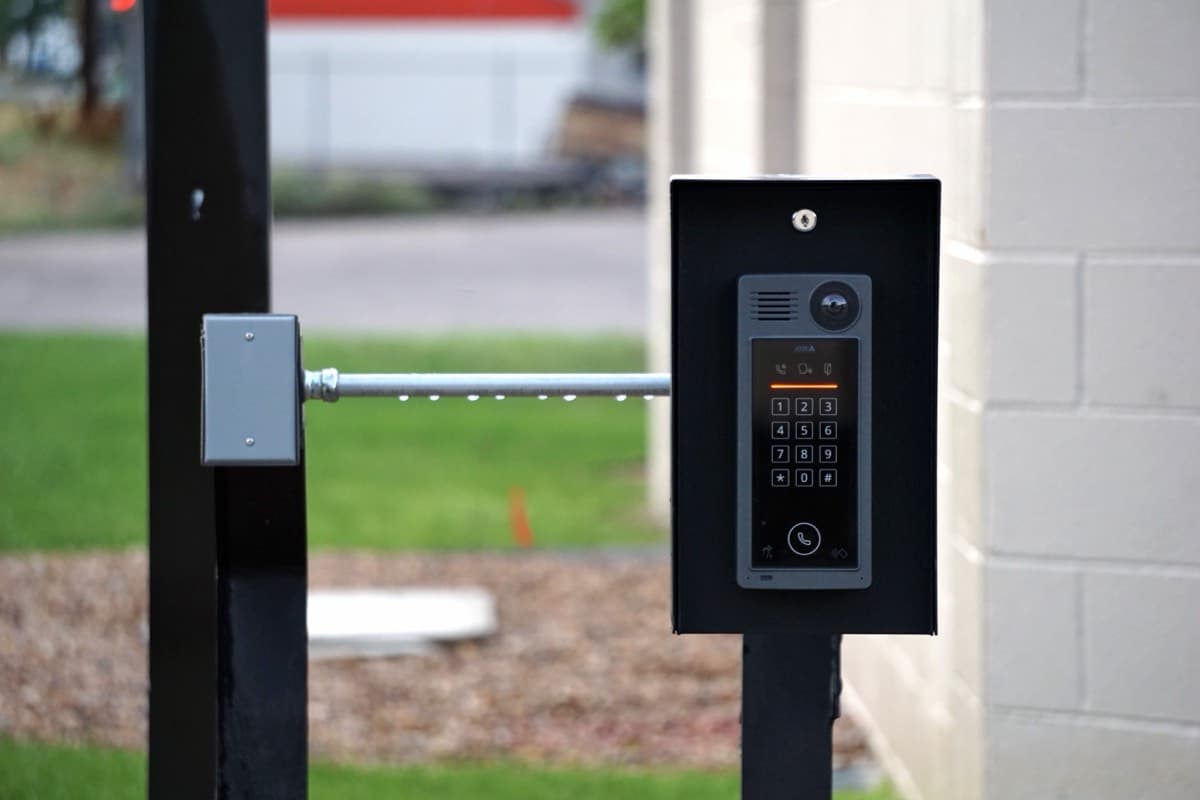
A keypad lock swaps a physical key for a numeric code. It's the cheapest and simplest way to get off keys entirely, and it's my default recommendation for small offices, shared studio spaces, and single-door retail backrooms.
What it's good at: No keys to lose, copy, or leave with a departing employee. Changing the code takes minutes, not a locksmith visit. Installation is straightforward on most existing commercial doors.
Where it falls short: Everyone shares the same code (unless you buy a unit with multiple user codes), so you lose the ability to tell who came in and when. Codes also get passed around informally — a former employee's friend can still have last month's code unless you're disciplined about changing it. I recommend keypads when the group using the door is small and stable, not for a 40-person office with constant turnover.
Option 2: Fob / Proximity Card (RFID) Access
This is the system most growing Boston businesses land on. Each employee gets their own fob or card, tapped against a reader to unlock the door. Behind the scenes, the system logs every entry.
What it's good at: Per-person credentials mean you know exactly who opened which door and when — useful for after-hours incidents, insurance claims, or just knowing your space is being used as intended. Revoking access is instant: deactivate the lost fob or the departed employee's credential in the software, no rekeying required. It scales cleanly as headcount grows, and you can set different access levels for different doors (front lobby for everyone, server room for IT only).
Where it falls short: Higher upfront cost than a keypad, and you're now managing a small software system, not just a lock. Fobs can still be lost or shared, though the instant-revoke and audit trail make that far less risky than a shared PIN.
I steer clients toward fob systems once they've got more than a handful of employees, meaningful turnover, or a genuine need for entry logs — multi-tenant buildings, tech offices, and busy retail with multiple shifts all fit this profile.
Option 3: Biometric (Fingerprint) Locks
Biometric access ties entry to something an employee can't lose, lend, or leave in a jacket pocket — their fingerprint. It's the highest-assurance option and the one I install least often, because most doors don't need that level of control.
What it's good at: There's no credential to steal, clone, or hand off. It's the right call for a server room, a pharmacy storage area, a cash office, or anywhere the cost of unauthorized entry is genuinely high.
Where it falls short: Cost, and it's overkill for a front door that fifteen people walk through all day. I typically recommend biometric locks for one or two sensitive interior doors, layered behind a fob or keypad system controlling the building's main entrances — not as the access method for every door in the building.
The Real Decision Factors
When a client asks me to just tell them which one to get, I ask four questions first:
- How many people need access, and how often does that list change? A stable team of five is a different problem than a retail staff that turns over every few months.
- How sensitive is what's behind the door? A front lobby and a server closet don't need the same lock.
- Do you need to know who came in and when? If yes, keypads are out — you need fobs or biometrics.
- What's the budget, and is this a one-door or whole-building project? You don't have to solve the whole building at once.
You Can Start Small
One of the most useful things I tell clients: you don't need to convert every door on day one. Most smart keypad and electronic access control retrofits onto existing commercial door hardware without major construction, and a smart approach is to start with your single highest-traffic door — the main entrance — and expand from there as budget allows.
It's also worth pairing electronic access with a mechanical master key system as a fallback. If a reader loses power or the system needs servicing, your team isn't locked out, and you retain a physical override for emergencies. Electronics and mechanical keying aren't competitors — they work best together.
The Boston Angle
This comes up constantly with the tech offices, multi-tenant buildings, and busy retail spaces I work with across the city. A Kendall Square startup adding headcount every quarter needs the instant-revoke of a fob system. A Cambridge office with contractors rotating through needs an audit trail more than it needs a fancy lock. A Back Bay boutique with two employees is often perfectly served by a budget-friendly keypad. The right system is the one that matches your actual risk and your actual headcount — not the most expensive option on the shelf.
If you're not sure where your business falls, that's exactly the kind of question I like to walk through on-site as a commercial locksmith — I can look at your doors, your team size, and your budget and tell you honestly which tier makes sense.
City Locksmith 24/7 is a Commonwealth-registered business with 15+ years securing offices, retail, and multi-tenant buildings across Greater Boston. Learn more about how we work, or call (617) 383-7290 to talk through the right access control setup for your space.